Bring project delivery, team capacity, time and finances together across your organization.
Planmast
EN
Sign in Start free
Planmast

Product

Plan work, coordinate your team and understand project performance in one workspace.

Explore the product

One workspace. A clearer view of delivery.

Move from day-to-day tasks to schedules, team capacity and project finances, with the detail behind each view close at hand.

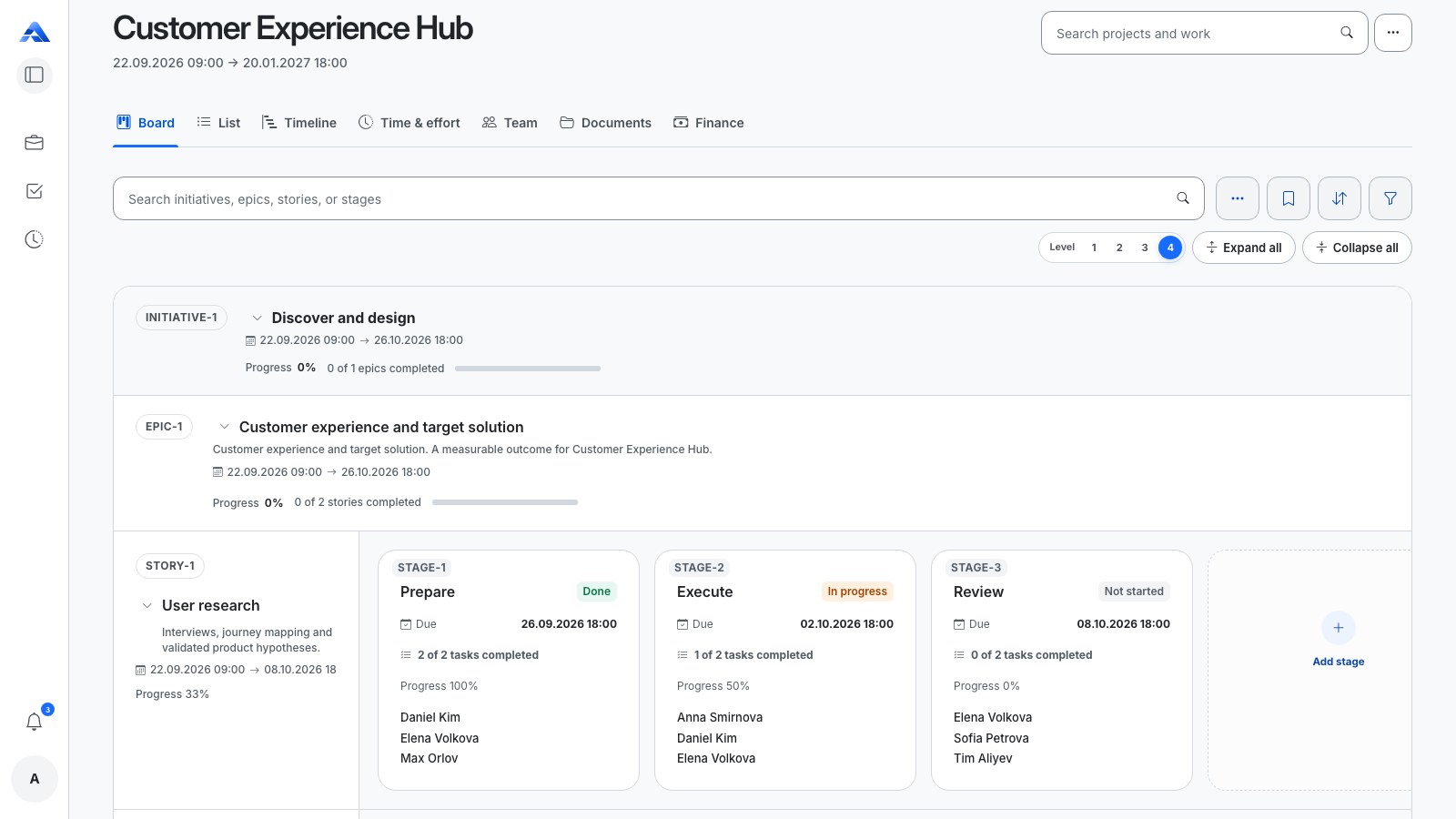
Delivery board

See what moves work forward.

Give every task a place in the plan. Follow initiatives, epics, stories and stages, then open the tasks, discussions and files behind the work.

  • A shared structure from initiative to task
  • Task assignments and progress in context
  • Discussions and files alongside the work
planmast.com Planmast delivery board with initiatives, epics, stories and stages
From plan to delivery

A clear path through every project.

Build a repeatable structure for your work, then keep the plan, people and decisions together as delivery progresses.

Build your workflow
  1. 01
    Plan

    Start with a shared plan

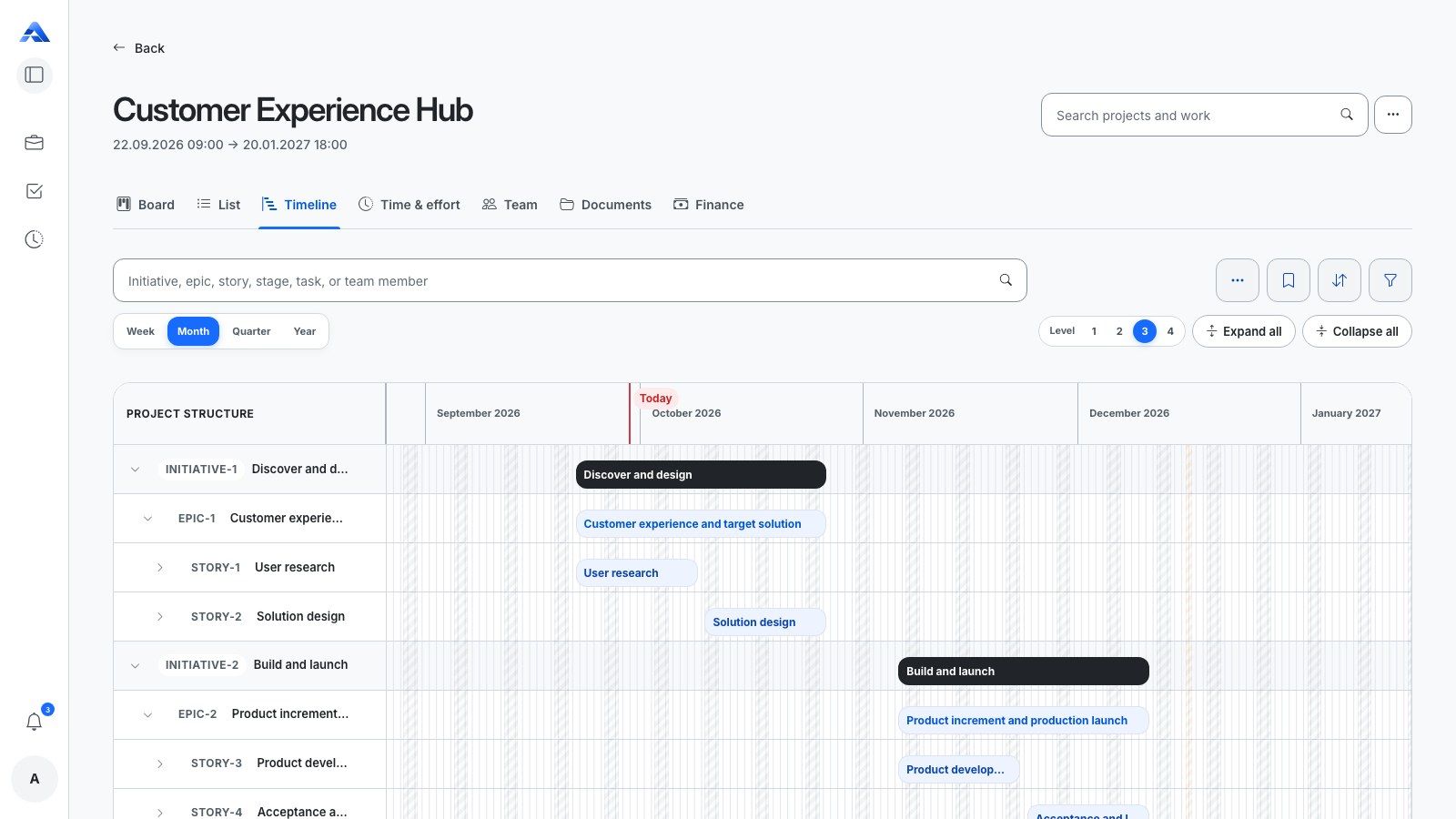
    Define the project structure, set stage dependencies and dates, assign tasks and plan the effort.

  2. 02
    Deliver

    Keep the detail with the work

    Update tasks, share files, discuss decisions and record actual and billable time in the same workspace.

  3. 03
    Review

    See where plans have changed

    Compare planned and actual effort, check team capacity and review the project’s financial position.

  4. 04
    Complete

    Close with a clear record

    Use the project completion checklist and independent sign-off to record the delivery decision.

A connected view

Less time piecing the project together.

Use the same project records to coordinate tasks, plan capacity, review time and understand finances. Everyone works from a shared picture, with access suited to their role.

Tasks to portfolio keep everyday work connected to the wider project picture
Planned · actual · billable see the different measures of effort together
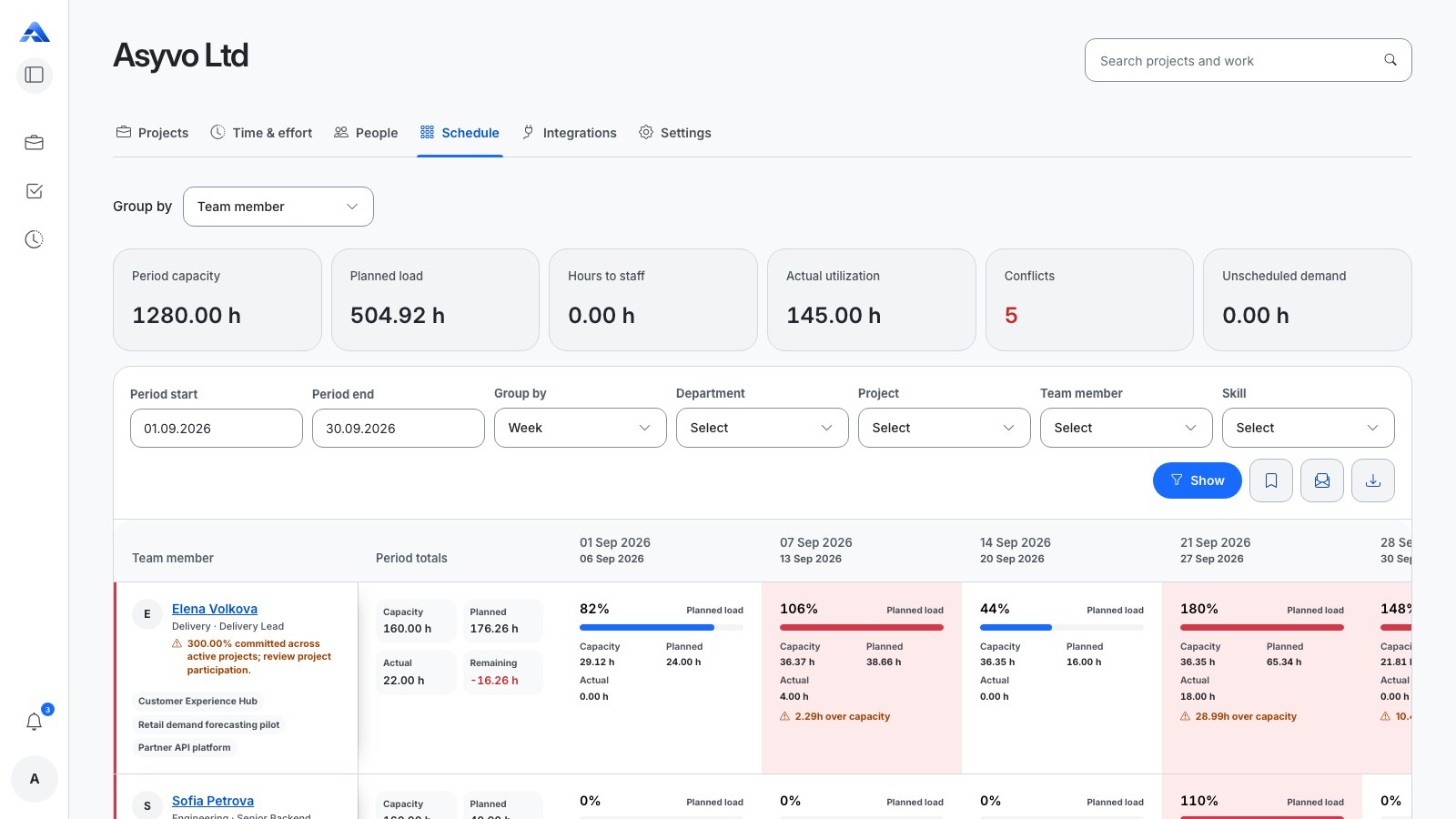
People and capacity review demand across projects before committing more work
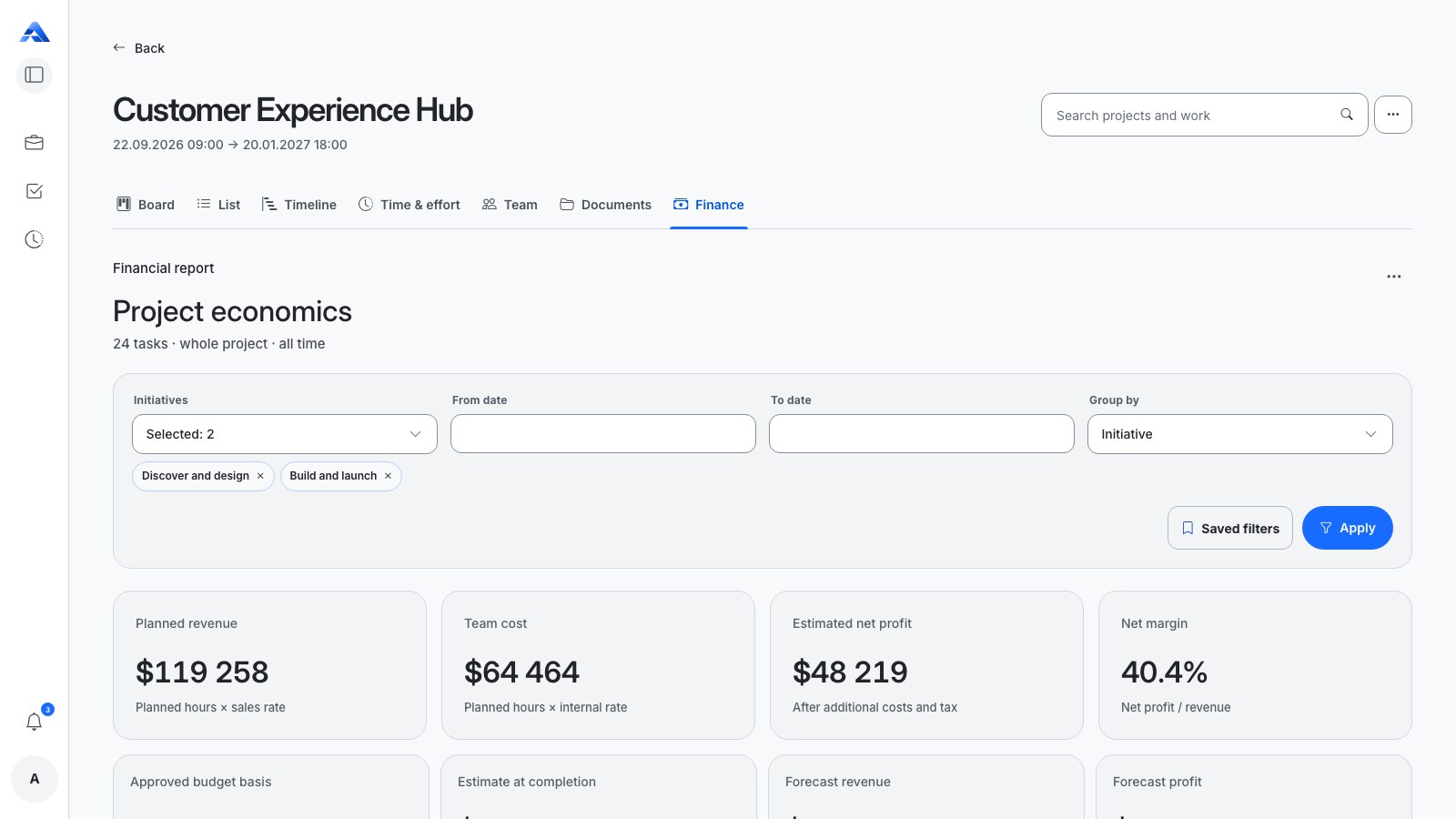
Project finances bring rates, effort, expenses and billing milestones into view
Questions teams ask

A few things to know before you start.

How projects, people and plans work in Planmast.

Who is Planmast for?

Planmast is for teams coordinating project work, shared people and delivery costs. Contributors manage tasks and time, project managers plan delivery, and portfolio and finance teams review progress, capacity and project finances.

How are projects organized?

Each project uses a clear structure: Initiative, Epic, Story, Stage and Task. Tasks hold assignments and day-to-day work. Stages group those tasks, connect their schedules and show progress derived from the work below them.

Are time, capacity and project finances built in?

Yes. Planmast includes planned, actual and billable time, work calendars, capacity views and project finance tools, alongside discussions, files and notifications. Access to sensitive information follows your organization and project permissions.

Can we reuse our workflow?

Yes. Save a delivery structure as a workflow template and use it to start another project. Each project receives an independent copy, so changing one project does not change the template or other projects.

What happens when we grow beyond 10 users?

The free workspace supports up to 10 users. Active members and pending invitations count toward the seat limit. Beyond that limit, Business licenses the whole team, starting at 11 seats.

How do we control access?

Organization and project roles control what people can see and change. Administrators can manage permissions for delivery work, financial information and workspace administration, with audit history for supported changes.

Can we track billable work?

Yes. A time entry can record actual hours and the billable portion separately. Log one day or a daily amount across a period using the project work calendar.

Can we bring in and export project data?

You can preview project structures from CSV or XLSX before importing them. Core reporting and management views also provide CSV exports. Shared project links remain accessible only to people with the required permissions.

Move work forward

Bring your next project into focus.

Start free with your team, or talk to us about bringing Planmast across your organization.

Product walkthrough

See Planmast in action.

Explore the board, stages, timeline and team schedule. Follow tasks, time, capacity and project finances, then preview a plan import.

Open the shareable tour page